What Is Google Maps?
Google Maps is a mapping and navigation service that allows users to search for locations, businesses, landmarks, roads, and other places around the world. It is available through a website and mobile apps for smartphones and tablets.
Depending on your location and device, Google Maps can provide driving, walking, cycling, and public transportation directions. It can also use your device’s location to show where you are and help guide you to your destination.
How to Search for a Location
One of the easiest ways to use Google Maps is by searching for a location.
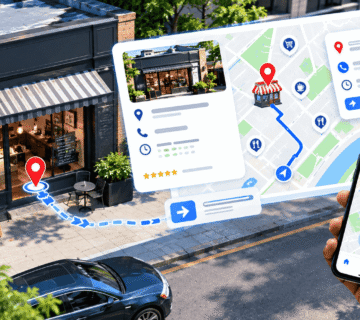
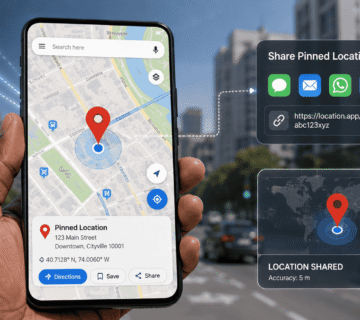
Open Google Maps and enter the name of the place, address, business, landmark, or general location you want to find in the search bar. For example, you could search for a shopping center, hotel, school, hospital, restaurant, or street.
Google Maps will display the location on the map and may provide additional information such as its address, opening hours, phone number, photos, reviews, and directions.
If you are searching for a business, check the information carefully before visiting because opening hours and other details can change.
How to Get Directions
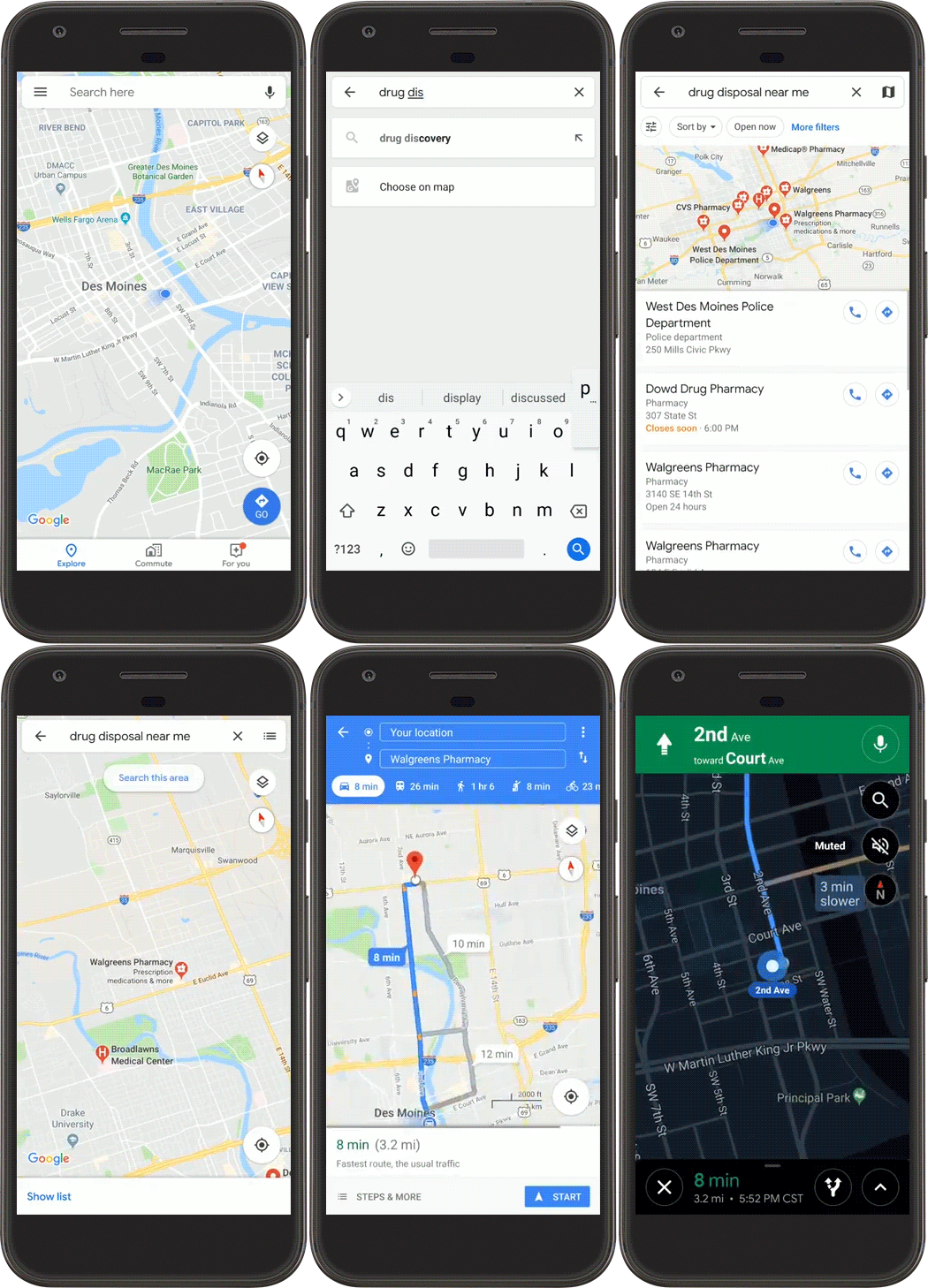
Google Maps can calculate a route between your current location and a destination.
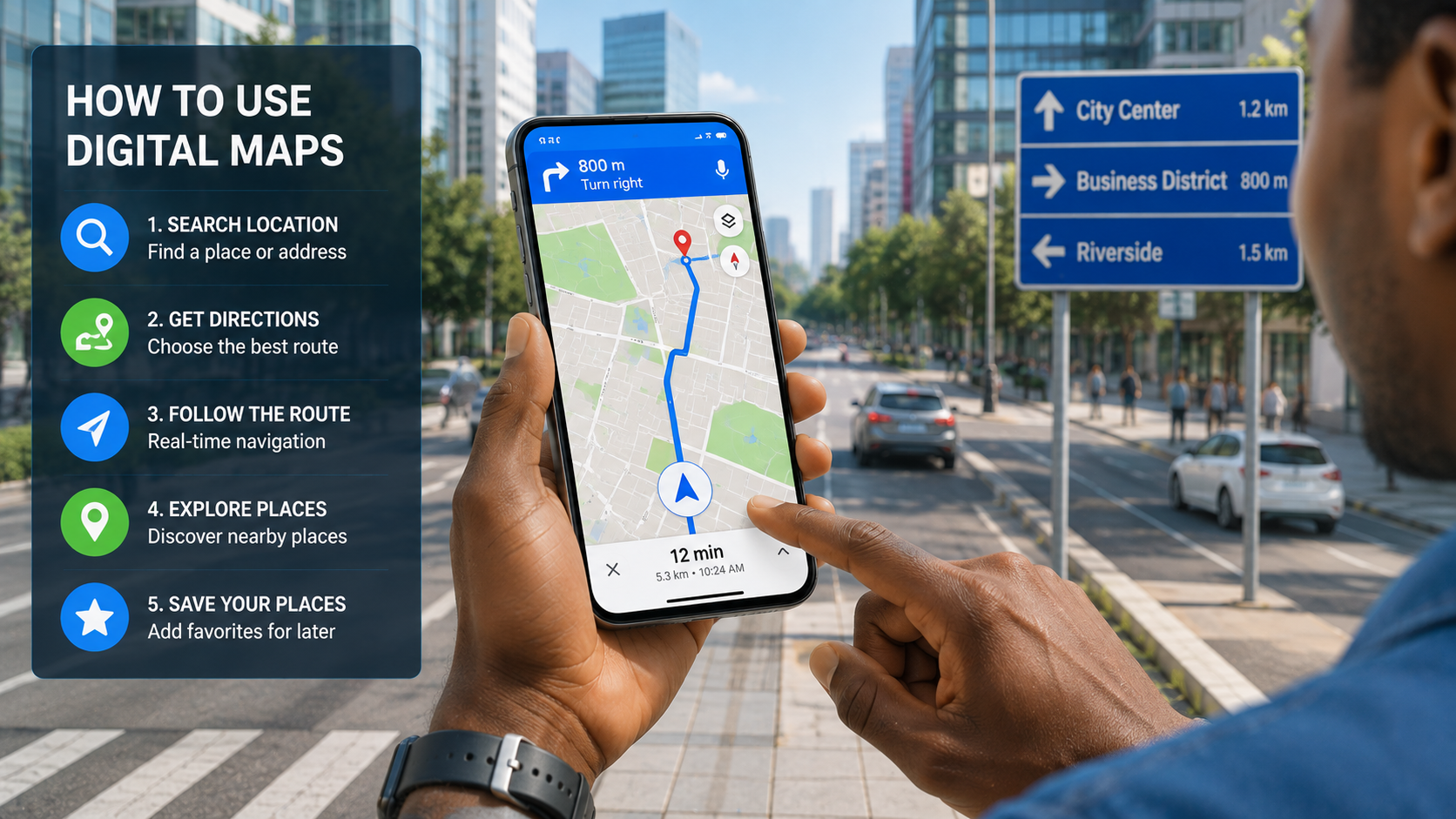
First, search for your destination. Then select Directions and choose your preferred method of transportation. Depending on the area, options may include driving, walking, cycling, or public transportation.
Google Maps will normally provide one or more possible routes. You can compare the estimated travel times and select the route that works best for you.
If you are driving, pay attention to changes in the estimated arrival time and traffic conditions before starting your journey.
How to Use Turn-by-Turn Navigation
Turn-by-turn navigation is particularly useful when you are driving or walking in an unfamiliar area.
After selecting a route, choose Start to begin navigation. Google Maps will provide instructions as you travel, including upcoming turns, road names, distance information, and estimated arrival time.
Keep your attention on the road while driving. Navigation apps should be used as a helpful guide rather than a replacement for safe driving practices.
How to Check Traffic Conditions
Google Maps can display traffic information on many roads. Traffic conditions are generally represented using different colors, helping users identify areas where vehicles are moving normally or experiencing delays.
Before leaving, check the map to see whether your usual route has heavy traffic. If another route is significantly faster, Google Maps may suggest an alternative.
Traffic information can change quickly, so the estimated journey time may also change while you are traveling.
Google Maps Traffic Colors
Google Maps uses different colors to show traffic conditions on roads:
- 🟢 Green – Traffic is moving normally with little or no delay.
- 🟠 Orange – There is a moderate level of traffic, so vehicles may be moving more slowly than usual.
- 🔴 Red – Heavy traffic and significant delays are likely.
- 🟥 Dark Red – Very heavy traffic or severe congestion, with traffic moving very slowly.
Google Maps uses green, orange, and red colors to indicate traffic conditions. Green generally means traffic is moving normally, orange indicates moderate congestion, and red shows heavy traffic and delays. Dark red represents particularly severe congestion where vehicles may be moving very slowly.
How to Find Nearby Places
Google Maps is also useful when you need to find something nearby. (check image above)
You can search for terms such as restaurants, fuel stations, hotels, ATMs, pharmacies, or supermarkets. Google Maps can show relevant places around your current location or another area you specify.
You can often compare ratings, reviews, photos, distance, opening hours, and other available information before deciding where to go.
How to Save Important Locations
If there are places you frequently visit, you can save them for easier access later.
For example, you might save your home, workplace, a favorite restaurant, a hotel, or a location you plan to visit. Saved locations make it easier to find important places without searching for them repeatedly.
You can also organize locations into lists, which can be particularly useful when planning trips or keeping track of places you want to visit.
How to Use Street View
Street View is another useful Google Maps feature. Where available, it allows you to view panoramic images of streets and locations.
This can be helpful when you are visiting a place for the first time. Looking at the surrounding streets and buildings beforehand can make it easier to recognize your destination when you arrive.
Street View can also help you understand entrances, nearby landmarks, and the general appearance of an area.
How to Use Google Maps Offline
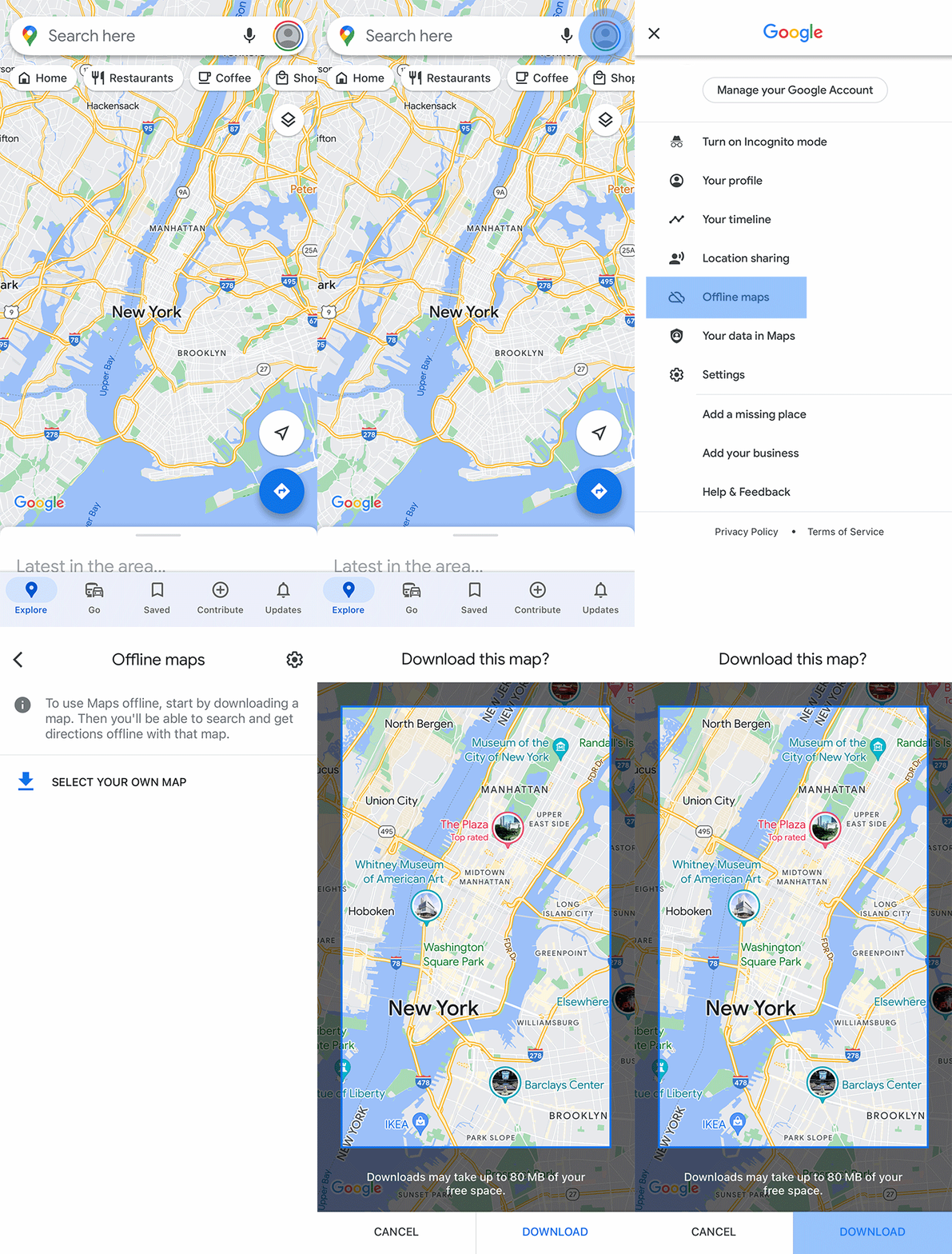
Internet connectivity is not always reliable, especially when traveling. Google Maps supports offline maps in many areas, allowing users to download map information for a selected area before traveling.
This can be useful when you expect limited internet access or want to reduce mobile data usage. However, offline maps have limitations, and some features may not work without an internet connection.
For important journeys, download the relevant map area before leaving while you still have a reliable connection.
Important Tips for Using Google Maps Safely
Although Google Maps is extremely useful, it is important to use it responsibly. Always verify important information before traveling, particularly business hours, road conditions, and transportation availability.
When driving, avoid continuously looking at your phone. Set your destination and navigation before you begin your journey, and use voice guidance when possible.
Also remember that map information is not always perfect. Roads can be closed, businesses can move, and traffic conditions can change. If something appears incorrect, use common sense and follow official road signs and local instructions.
In Summary
Google Maps is a powerful tool for navigation, location searching, trip planning, and discovering places. From finding a nearby business to getting turn-by-turn directions and checking traffic, its features can make everyday travel considerably easier.
By learning how to search for locations, calculate routes, use navigation, check traffic, save places, explore Street View, and download offline maps, you can get much more value from Google Maps. Whether you are traveling across town or exploring a new city, knowing how to use the service effectively can help you navigate with greater confidence.
KEYNOTES
1. Is Google Maps free to use?
Yes. Google Maps is generally free to use for searching locations, viewing maps, and getting directions. Mobile data charges may apply when using the service over a cellular network.
2. Can I use Google Maps without the internet?
Yes, in supported areas you can download maps for offline use. However, some features, such as live traffic information, may require an internet connection.
3. Can Google Maps show traffic?
Yes. Google Maps can provide traffic information in many locations and may suggest alternative routes when delays are detected.
4. Can Google Maps give walking directions?
Yes. In supported locations, Google Maps can provide walking directions as well as driving, cycling, and public transportation routes.
5. How accurate is Google Maps?
Google Maps is generally very useful, but information can sometimes be outdated or incorrect. Always pay attention to road signs and verify important information when necessary.
6. Can I save places on Google Maps?
Yes. You can save locations and organize places into lists, making it easier to find frequently visited or planned destinations later.
7. What is Google Maps Street View?
Street View provides panoramic imagery of many streets and locations, allowing you to virtually explore an area and become familiar with it before visiting.
Interested in learning more? Explore our in-depth guides by clicking the highlighted links throughout this article, or browse our blog for additional tutorials, tips, and resources. You’ll find practical information to help you expand your knowledge and stay informed. VISIT WWW.ASKMYQUESTIONS.COM