What Does a Location Pin Mean?
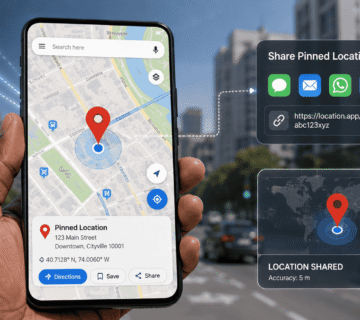
A location pin is a marker displayed on a digital map to identify a particular point.
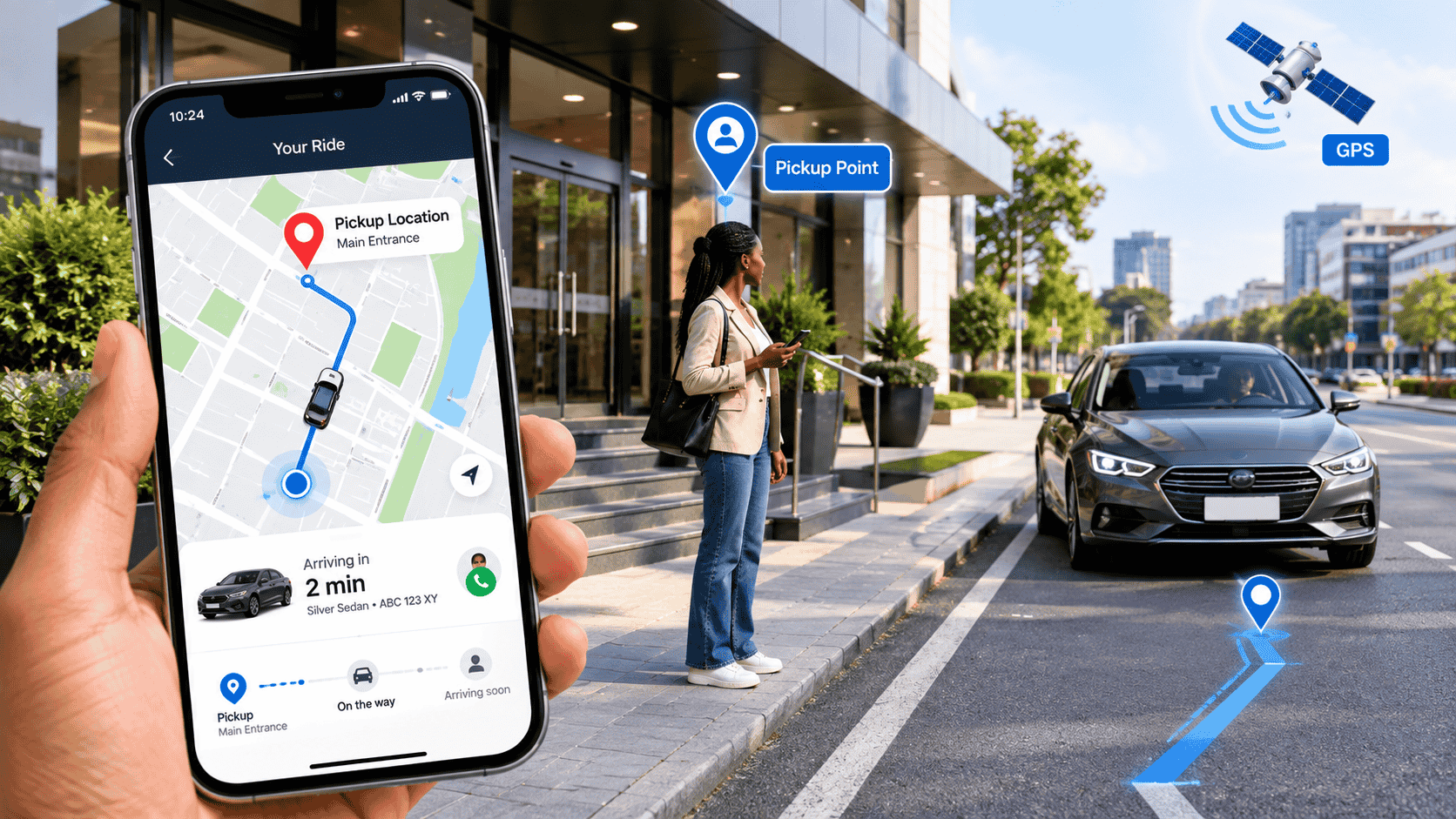
In Uber, the pickup pin represents the location where you want the driver to meet you.
This is important because the address displayed on a map may not always correspond perfectly to the physical entrance you are standing near.
For example, you might be inside a large shopping centre, apartment complex, hotel, school, or office building.
Moving the pickup pin to an accessible meeting point can make it easier for the driver to find you.
How Uber Identifies Your Location
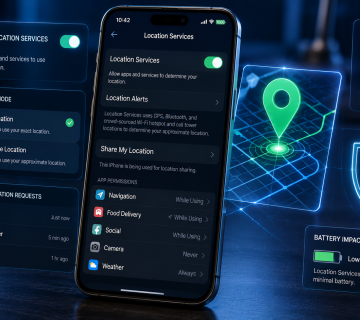
Uber uses your device’s location services and GPS information to determine your approximate position.
When you open the app and request a ride, Uber can use this information to suggest a pickup location nearby.
Your phone must therefore have location services enabled and the Uber application needs appropriate permission to access your location.
If location services are disabled or inaccurate, Uber may have difficulty determining where you are.
How to Identify Your Current Location in Uber
Start by opening the Uber app.
Make sure location services are enabled on your phone.
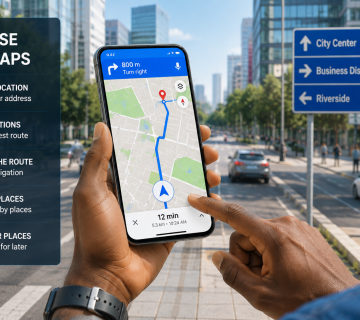
When the map appears, look for the location indicator and pickup marker.
The app should suggest a pickup point based on your current position.
Do not assume that the suggested point is always the best physical place to meet.
Look at the surrounding streets and entrances.
Ask yourself:
- Am I on the correct street?
- Is the pin on my side of the road?
- Is there a safe place for the driver to stop?
- Am I inside a building?
- Is there a recognizable entrance nearby?
This simple check can prevent unnecessary confusion.
How to Move the Uber Pickup Pin
Uber allows riders to change their pickup location.
According to Uber’s current help instructions, you can tap the pickup location on the map, enter another address or building, and select an available location. You may also be able to drag the pin to another location within the permitted area.
The exact interface can vary depending on your app version and location.
A general process is:
- Open Uber.
- Enter your destination.
- Review the pickup location shown on the map.
- Tap the pickup location.
- Move the pin or select another suggested location.
- Confirm the pickup location.
- Request your ride.
Uber may restrict how far you can move the pickup point.
How to Choose a Better Pickup Location
The closest location on the map is not always the best location in real life.
Suppose you are standing inside a large compound. The GPS may place the pin near the center of the property, while your driver cannot legally or practically drive there.
Instead, move the pin toward an accessible entrance.
Consider choosing:
- A main gate.
- A clearly marked entrance.
- A public roadside pickup area.
- A hotel entrance.
- A shopping centre entrance.
- A safe parking area.
Avoid selecting a location where your driver cannot safely stop.
Check Which Side of the Road You Are On
Roadside pickup can be particularly important in busy areas.
If your pickup pin is across a major road, you may need to cross traffic to reach the driver.
Uber advises drivers to try to stop on the same side of the road as the rider when possible because crossing roads can create safety risks.
Before requesting your ride, examine the map and select a pickup point that makes sense for both you and the driver.
Sharing Your Exact Location With Your Driver
Uber also provides a location-sharing feature in supported situations.
According to Uber, riders can share their exact GPS location with their driver to make it easier to locate them at the pickup point.
The availability of this feature can vary.
If you cannot find the option, use the latest version of the Uber app and check its location and privacy settings.
You can also communicate with the driver through the app when necessary.
What If Your Uber Location Is Wrong?
Sometimes your location may appear incorrectly.
Possible causes include:
- GPS inaccuracies.
- Poor satellite visibility.
- Weak location signals.
- Indoor positioning problems.
- Battery-saving restrictions.
- Disabled location permissions.
- Outdated map information.
If your location appears wrong, move to an open area if it is safe to do so.
You can also check whether Uber has permission to use your location.
On your phone, open the app permissions and make sure location access is appropriately enabled.
Why Does Uber Show a Different Pickup Point?
GPS is not a perfect positioning system.
Your phone estimates its location using available positioning technologies. In dense urban environments, tall buildings and other obstacles can affect accuracy.
The app may therefore select a nearby road or entrance rather than your exact physical position.
This is why reviewing the map before confirming your ride is important.
What If the Driver Cannot Find You?
If your driver arrives but cannot see you, do not immediately assume that either person is at fault.
Check the pickup pin and street name.
Look for nearby landmarks.
Use Uber’s in-app communication tools to call or message the driver.
Tell the driver exactly where you are, such as:
“I am at the main gate beside the entrance.”
Avoid standing in a dangerous location just to match a GPS marker.
Safety should always come first.
Tips for Accurate Uber Pickup
To improve your pickup experience:
- Turn on location services.
- Give Uber the required location permission.
- Check the pickup pin before requesting.
- Select an accessible meeting point.
- Avoid placing the pin inside buildings where cars cannot reach.
- Check which side of the road you are on.
- Watch the driver’s location on the map.
- Communicate through Uber if necessary.
- Avoid standing in dangerous traffic areas.
- Confirm that you are entering the correct vehicle.
Final Thoughts
Knowing how to identify and pin your location in Uber can make ride pickups much easier.
Uber uses GPS to suggest pickup locations, but the automatically selected point may not always be the most convenient or safest place for a driver to meet you.
Take a moment to examine the map, move the pickup pin when necessary, and select a location that is easy for both you and the driver to reach.
A correctly positioned pickup point can reduce waiting time, prevent unnecessary phone calls, and make the entire ride experience smoother.
FAQ
1. Can I move my pickup pin in Uber?
Yes, Uber allows riders to change pickup locations in supported situations.
2. Why is my Uber location inaccurate?
GPS accuracy can be affected by buildings, weak signals, indoor environments, and device settings.
3. Can I share my exact location with my Uber driver?
Uber provides location-sharing functionality in supported situations.
4. Should I place the pickup pin inside my house?
If the driver cannot enter the property, it is usually better to select a safe and accessible entrance.
5. Can I change my pickup location after requesting a ride?
Uber supports changing the pickup location after requesting in certain situations, although restrictions may apply.
6. What should I do if my driver cannot find me?
Check the pickup pin, confirm the street, and contact the driver through Uber to agree on a safe meeting point.