What Are Location Services?
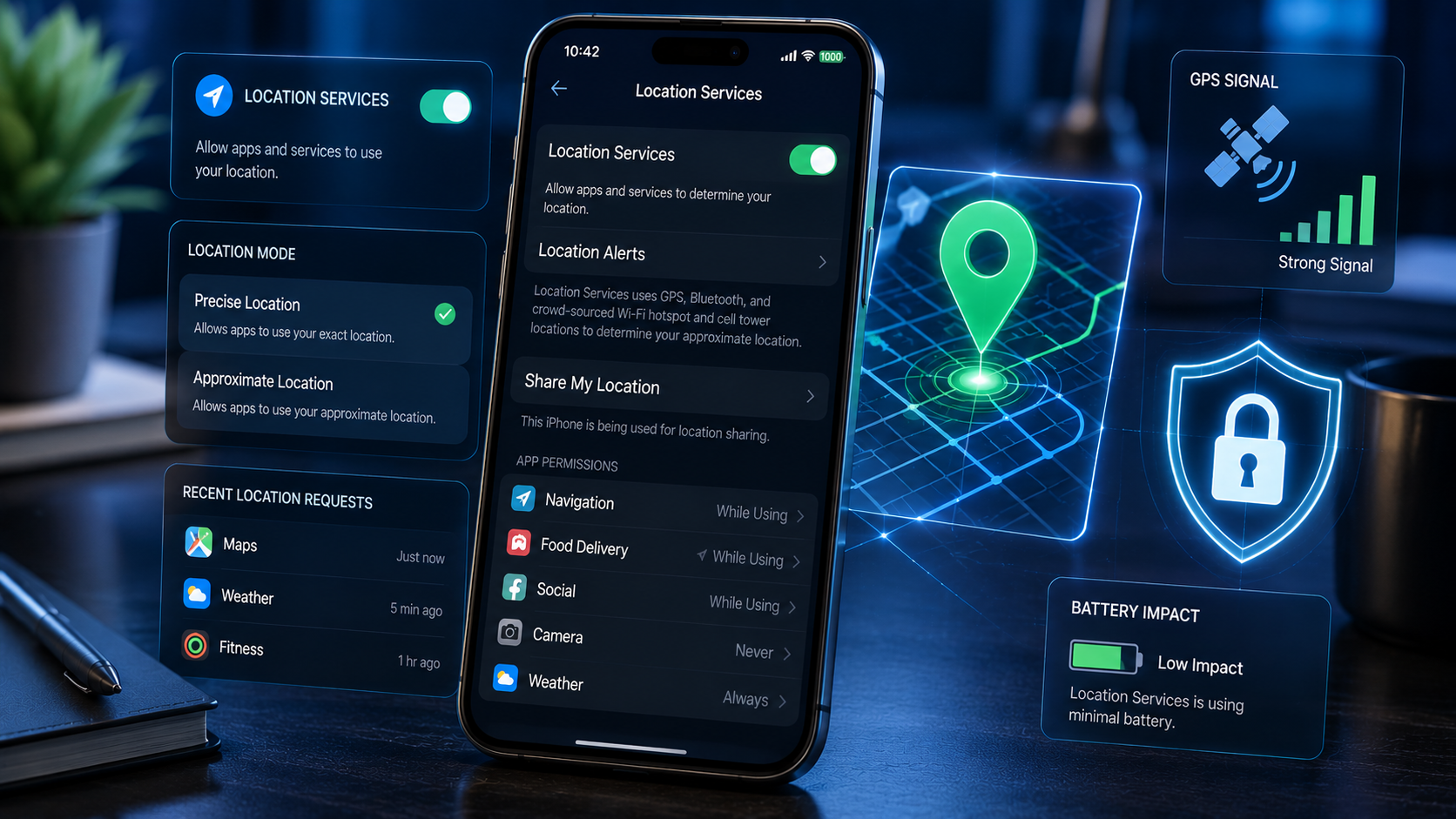
Location services are a set of technologies that allow your device to determine and share its geographic position.
Common sources of location data include:
- GPS: Provides precise outdoor location using satellites.
- Wi-Fi: Estimates location based on nearby wireless networks.
- Bluetooth: Helps determine proximity to nearby devices or beacons.
- Mobile network towers: Provides approximate location based on cellular signals.
Apps may request access to this information to deliver location-based features.
When You Should Keep Location On
There are several situations where enabling location services is beneficial and often necessary.
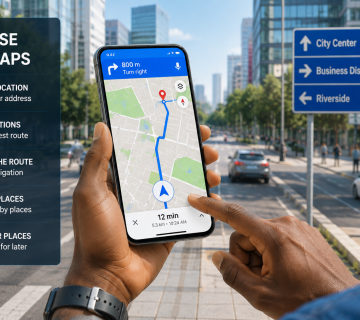
- Navigation and Maps
Turn location on when using:
- Google Maps
- Apple Maps
- Waze
- Other navigation apps
Accurate location data is essential for turn-by-turn directions and traffic updates.
- Ride-Hailing and Delivery Apps
Apps such as Uber, Bolt, Lyft, InDrive, DoorDash, and similar services need your location to match you with drivers and deliver orders correctly.
- Emergency Services
Keeping location enabled can help emergency responders find you more quickly if you need assistance.
- Weather Apps
Weather applications can provide more accurate forecasts when they know your current location.
- Finding a Lost Device – Find My Device
Features such as Find My iPhone and Find My Device require location access to help locate a lost or stolen phone.
- Travel and Outdoor Activities
Location services are useful for hiking, cycling, road trips, and exploring unfamiliar areas.
When You Should Turn Location Off
Location services do not need to remain enabled for every app at all times.
1. Unused or Infrequently Used Apps
If an application rarely requires your location to function, consider disabling its location permission. Examples include:
- Simple games
- Flashlight apps
- Wallpaper apps
- Calculator apps
Restricting location access for these apps helps reduce unnecessary collection of your location data.
2. Social Media Applications
Many social media platforms request access to your location to enable features such as location tagging, nearby recommendations, and localized content. If you do not regularly use these features, consider setting the app’s location permission to “Never” or “Ask Every Time” to enhance your privacy.
3. Public or Shared Environments
When traveling, attending public events, or using your device in shared environments, limiting location access can help reduce the amount of location information collected and shared, thereby enhancing your personal privacy.
4. To Conserve Battery Life
Location services, particularly GPS, can consume a significant amount of battery power when used continuously by multiple applications. Disabling location access for apps that do not require it can help extend your device’s battery life.
5. When Privacy Is a Priority
If you do not need location-based services at a particular time, temporarily disabling location services can help minimize location tracking and reduce the amount of personal data shared with applications and services.
Location Permission Options Explained
Both Android and iPhone offer several permission levels.
| Permission | Best For |
|---|---|
| Never | Apps that do not need location |
| Ask Every Time | Occasional location use |
| While Using the App | Navigation, weather, ride-hailing |
| Always | Find My Device, trusted tracking apps |
For most apps, ‘While Using the App’ provides a good balance between convenience and privacy.
Final Thoughts
Location services are one of the most useful features on modern smartphones, but they also collect some of the most sensitive information about your daily life. The best approach is not to keep location permanently on or permanently off for everything. Instead, grant access only to apps that genuinely need it and choose the most restrictive permission level that still allows the app to function properly.
By regularly reviewing location settings, disabling unnecessary access, and understanding when location data is truly required, you can enjoy the benefits of navigation, weather updates, emergency services, and device tracking while maintaining better privacy and security.
KEYNOTES
1. Does turning off location improve privacy?
Yes. Disabling location prevents apps from collecting your current location, which can reduce tracking and profiling.
2. Will turning off location save battery?
Often, yes. GPS and continuous location tracking can consume additional battery power, especially when multiple apps use location services.
3. Should I keep Find My Device enabled?
Yes. Find My Device and Find My iPhone are useful for locating a lost or stolen phone and generally require location access.
4. What is the safest location permission?
For most apps, While Using the App provides a good balance between functionality and privacy.
5. How often should I review location permissions?
Review them every few months or whenever you install new apps to ensure only trusted apps have the access they need.
Want to learn more? We’ve written detailed articles on many of the topics mentioned above. Click the highlighted links throughout this guide to explore them or search our blog for additional guides and helpful resources. Stay informed and keep learning!