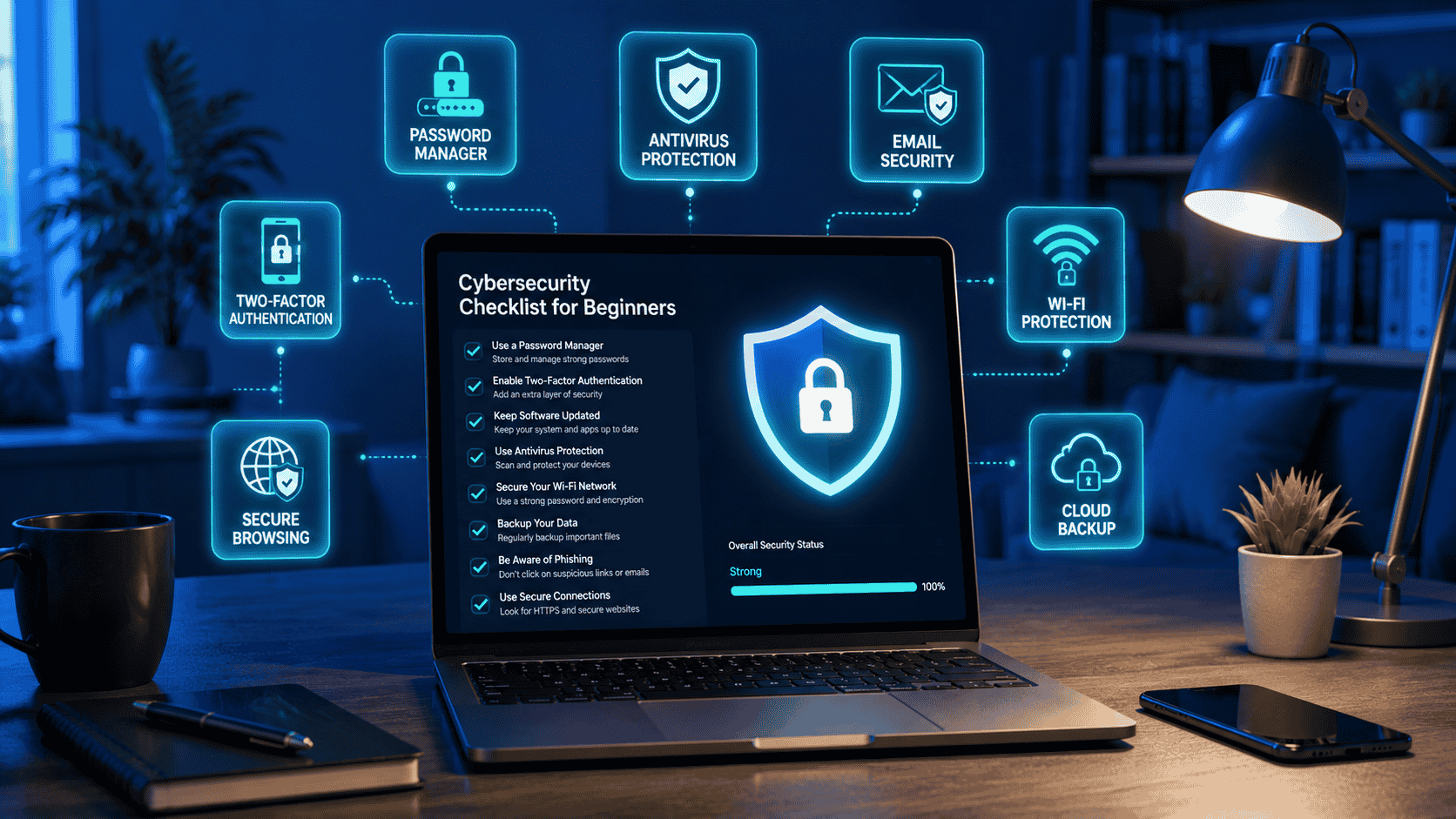
12 Best Cybersecurity Tips for Beginners
The internet has changed the way we interact, work, shop, manage finances, and acquire knowledge. Although these advancements simplify our lives, they also open doors for cybercriminals to exploit individuals through various means such as scams, malware, phishing, identity theft, and data breaches. Fortunately, you don’t have to be a cybersecurity specialist to safeguard yourself. By adhering to some basic best practices, you can greatly lower your chances of falling prey to cybercrime.
Cybersecurity involves safeguarding computers, mobile devices, networks, and personal data from unauthorized access and harmful attacks. For those just starting, the focus should be on developing strong security habits that integrate into daily digital activities rather than trying to learn every technical detail.
This guide covers the most important cybersecurity tips every beginner should know to stay safer online.
1. Create Strong, Unique Passwords
Passwords are your first line of defense. Weak or reused passwords make it easier for attackers to access multiple accounts if one password is exposed.
A strong password should:
- Be at least 16 characters long.
- Include a combination of uppercase and lowercase letters, numbers, and symbols.
- Avoid personal information such as names or birthdays.
- Be unique for every account.
Instead of trying to remember dozens of complex passwords, consider using a trusted password manager to generate and store them securely.
2. Enable Two-Factor Authentication (2FA)
Even the strongest password can be compromised through phishing or data breaches. Two-Factor Authentication (2FA) adds an extra layer of protection by requiring a second verification step before you can sign in.
Common 2FA methods include:
- Authentication apps
- Push notifications
- Hardware security keys
- One-time verification codes
Whenever possible, choose an authentication app or hardware security key instead of SMS-based verification.
3. Keep Your Software Updated
Software updates often include security patches that fix vulnerabilities discovered by developers.
Regularly update:
- Your operating system
- Web browsers
- Mobile apps
- Antivirus software
- Password manager
- Router firmware
Enabling automatic updates helps ensure you receive important security fixes as soon as they become available.
4. Learn to Recognize Phishing Scams
Phishing remains one of the most common cyber threats.
Warning signs include:
- Urgent requests for personal information.
- Suspicious links.
- Unexpected attachments.
- Generic greetings.
- Messages claiming your account has been compromised.
Always verify suspicious emails or messages through official channels before clicking links or providing information.
5. Use Secure Wi-Fi Networks
Public Wi-Fi networks can expose your internet activity if they are not properly secured.
When using public Wi-Fi:
- Avoid accessing banking websites if possible.
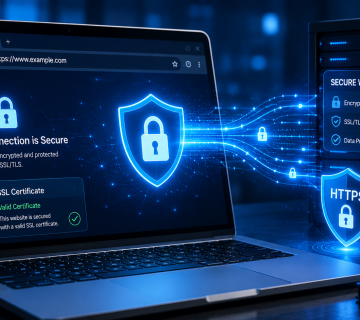
- Use websites with HTTPS encryption.
- Log out of important accounts after use.
- Disable automatic Wi-Fi connections.
- Consider using a reputable Virtual Private Network (VPN) for added privacy.
At home, protect your wireless network with a strong Wi-Fi password and modern encryption such as WPA2 or WPA3.
6. Install Software Only from Trusted Sources
Downloading software from unofficial websites increases the risk of malware infections.
Always:
- Use official websites.
- Download apps from trusted app stores.
- Avoid pirated software.
- Read reviews before installing browser extensions or applications.
Being selective about what you install helps keep your devices secure.
7. Be Careful with Personal Information
Cybercriminals often gather information from social media to make scams more convincing.
Avoid publicly sharing:
- Home addresses
- Phone numbers
- Financial information
- Travel plans
- Identification documents
- Answers to security questions
Review your social media privacy settings regularly to control who can see your information.
8. Use Antivirus and Security Software
Reliable antivirus software can detect and remove many common threats, including malware, ransomware, and malicious downloads.
For the best protection:
- Keep your antivirus updated.
- Schedule regular scans.
- Enable real-time protection.
- Avoid disabling security features unless necessary.
While antivirus software is important, it should complement—not replace—safe browsing habits.
9. Back Up Your Important Data
Hardware failures, ransomware attacks, and accidental deletions can all result in data loss.
Regularly back up:
- Photos
- Documents
- Videos
- Financial records
- Work files
Follow the 3-2-1 backup rule whenever possible:
- Keep three copies of your data.
- Store them on two different types of media.
- Keep one backup off-site or in secure cloud storage.
Regular backups make recovering from unexpected incidents much easier.
10. Review Your Privacy Settings
Many online services collect more information than users realize.
Take time to review the privacy settings on:
- Social media platforms
- Web browsers
- Mobile devices
- Cloud storage accounts
- Search engines
Limiting unnecessary data sharing helps protect your privacy.
11. Lock Your Devices
A lost or stolen device can expose sensitive information if it isn’t protected.
Use:
- Strong device passwords
- Fingerprint authentication
- Facial recognition
- Automatic screen locks
Enable remote device tracking and remote wipe features when available.
12. Monitor Your Accounts
Regularly review your accounts for suspicious activity.
Watch for:
- Unknown login attempts
- Unexpected password reset emails
- Unauthorized purchases
- New connected devices
- Changes to account settings
Early detection often prevents small security incidents from becoming major problems.
In Summary
Cybersecurity can be simple. By following the tips mentioned, you can greatly reduce your exposure to online threats.
Although no single approach can eliminate all risks, combining these best practices creates multiple layers of defense for your accounts, devices, and personal data. As cyber threats evolve, keeping informed and adopting good digital habits will boost your confidence and safety while navigating the internet. Fortunately, you can rely on www.askquestions.com for guidance.
Want to learn more? We’ve written detailed articles on many of the topics mentioned above. Click the highlighted links throughout this guide to explore them or search our blog for additional guides and helpful resources. Stay informed and keep learning!