In the digital world, data has become one of our most valuable resources. Whether it consists of personal photos, important documents, financial records, or business information, losing critical data can have serious consequences. Data loss may occur due to hardware malfunctions, accidental deletion, cyberattacks, software failures, or natural disasters. Implementing a reliable backup strategy is one of the simplest and most effective ways to safeguard valuable information and ensure it can be recovered whenever needed.
What Is Data Backup?
Data backup is the process of creating copies of your files and storing them in a separate location. These copies can be used to restore your information if the original data is lost, damaged, or corrupted. A good backup strategy ensures that your important files remain safe and accessible whenever you need them.
Why Is Data Backup Important?
There are several reasons why backing up your data is essential:
- Protection against hardware failure.
- Recovery from accidental deletion.
- Defense against viruses and ransomware attacks.
- Preservation of important personal and business information.
- Quick restoration after system crashes or disasters.
Without a backup, recovering lost data can be difficult, expensive, or even impossible.
Common Backup Methods
1. External Storage Devices
External hard drives and USB flash drives are popular backup options. Simply copy your important files to the device and store it safely. This method is affordable and provides quick access to your data.
2. Cloud Storage
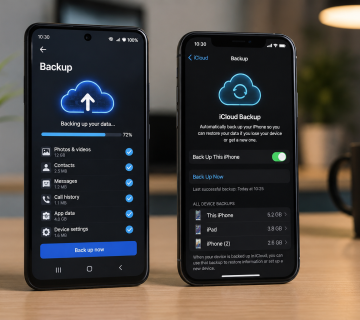
Cloud storage services allow you to save files online. Your data is stored on remote servers and can be accessed from any device with an internet connection. Cloud backups offer convenience, automatic synchronization, and protection against physical damage to your devices.
3. Network Attached Storage (NAS)
A NAS device is a dedicated storage system connected to your home or office network. It allows multiple users to back up and access files from a central location. This solution is ideal for businesses and users with large amounts of data.
4. Full System Backup
A full system backup creates an image of your entire computer, including the operating system, applications, settings, and files. This makes it possible to restore your computer to its previous state if a major failure occurs.
The 3-2-1 Backup Rule
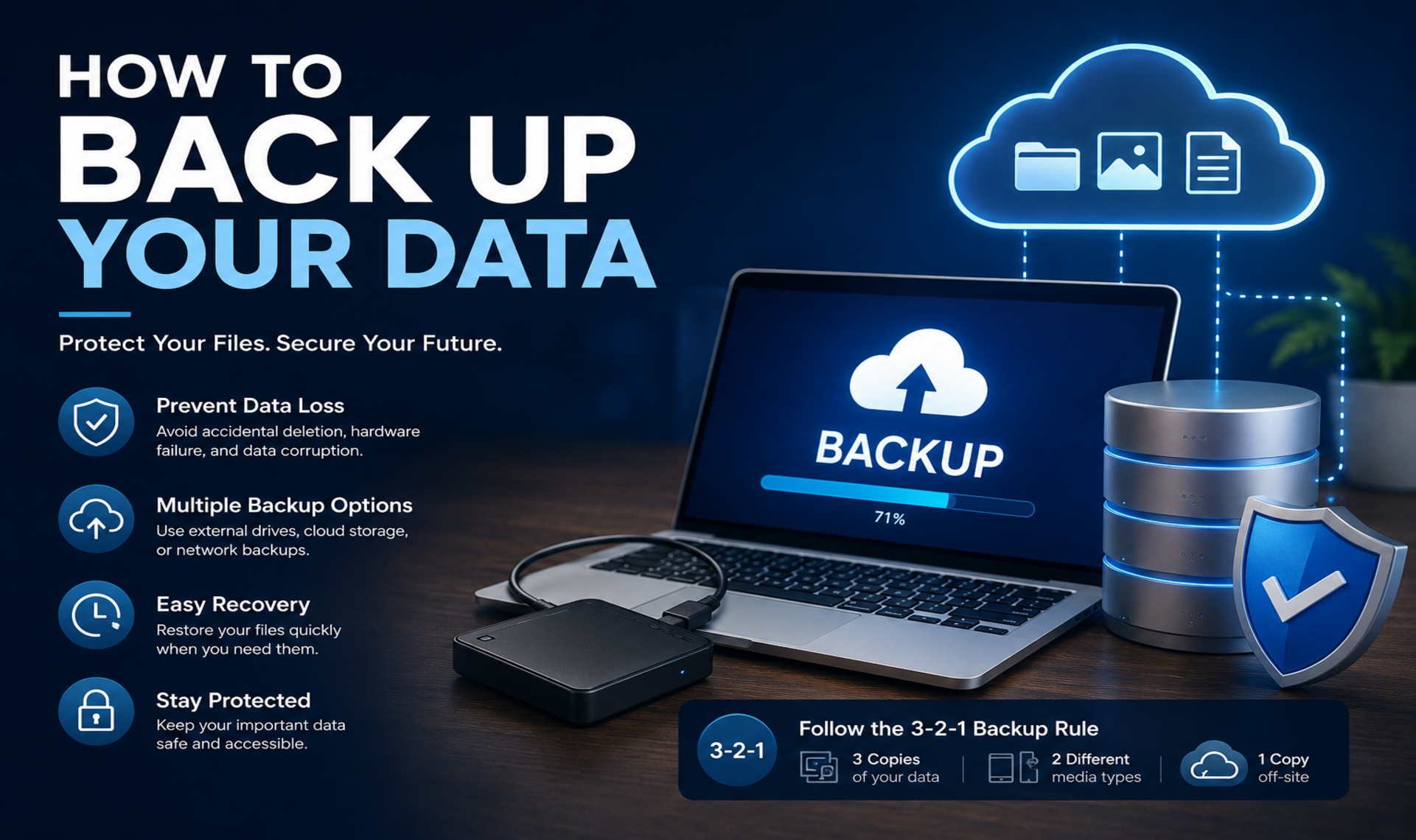
Experts often recommend the 3-2-1 backup strategy:
- Keep 3 copies of your data.
- Store them on 2 different types of media.
- Keep 1 copy off-site, such as in the cloud.
This approach provides multiple layers of protection and reduces the risk of complete data loss.
Steps to Back Up Your Data
- Identify the files and folders that are most important.
- Choose a backup method or combination of methods.
- Schedule regular backups to keep your copies up to date.
- Verify that backups are completed successfully.
- Test your backups periodically to ensure files can be restored.
Best Practices for Data Backup
- Automate backups whenever possible.
- Encrypt sensitive information.
- Use strong passwords for cloud storage accounts.
- Keep backup software updated.
- Regularly review and organize backup files.
In Summary
Data loss can happen unexpectedly as a result of theft, damage or loss but a reliable backup plan can prevent a minor issue from becoming a major problem. Whether you choose external drives, cloud storage, or a combination of methods, the key is to back up your data regularly and consistently. By following best practices and implementing a solid backup strategy, you can ensure that your valuable information remains safe and recoverable for years to come.
Want to Learn More? Explore our detailed articles on the topics covered in this guide. Click the highlighted links to dive deeper or visit our blog for additional guides, tips, and helpful resources. Stay informed and continue building your knowledge.
You can rely on www.askmyquestions.com for trusted guidance and assistance.