What Is a VPN?
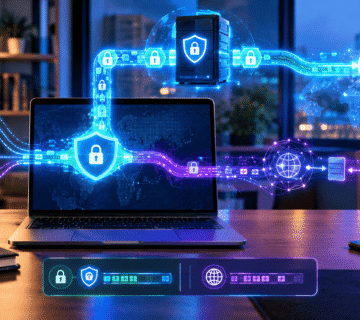
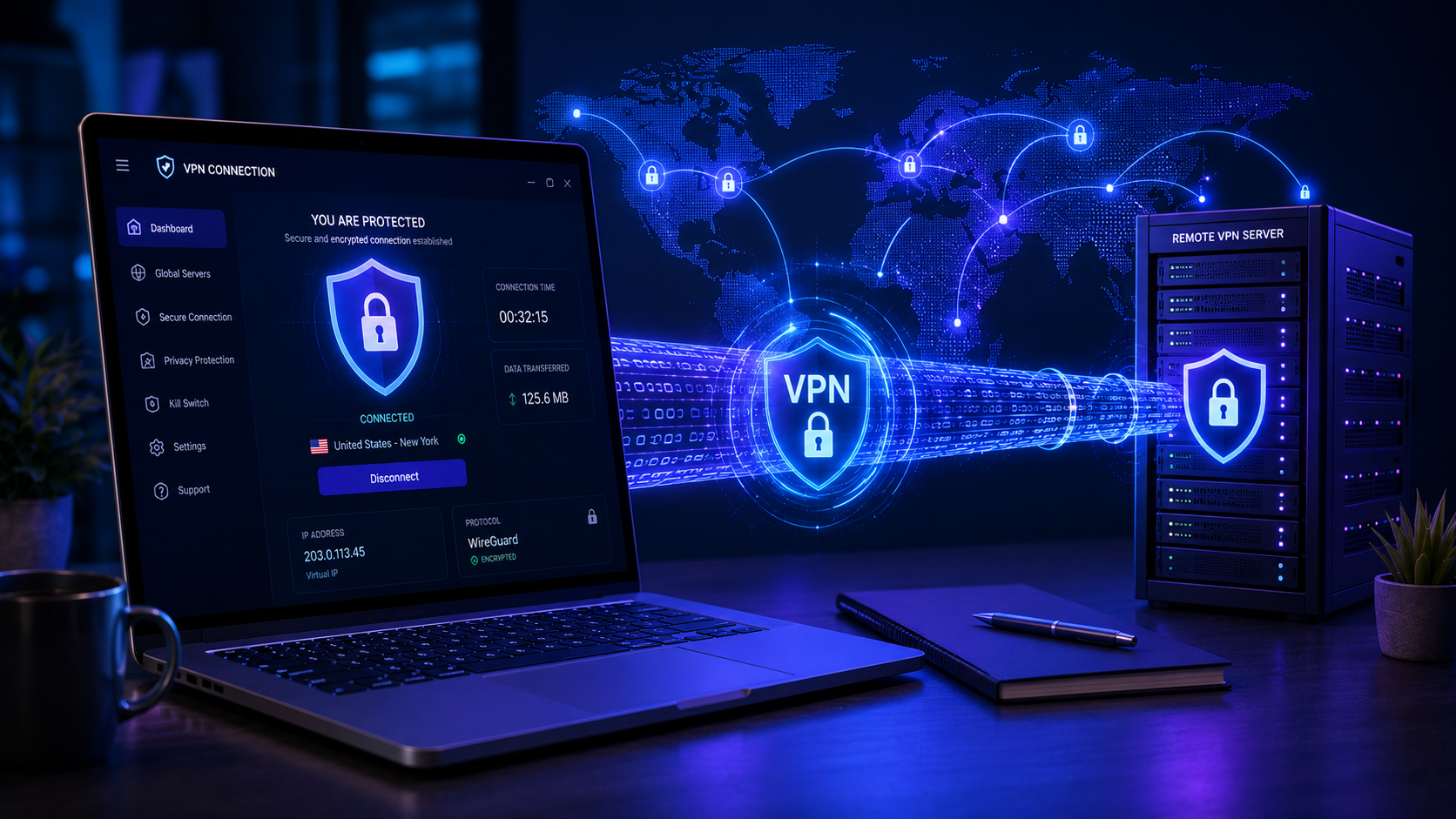
A Virtual Private Network (VPN) is a service that creates an encrypted connection between your device and a remote server operated by the VPN provider. Instead of connecting directly to websites through your internet service provider (ISP), your internet traffic is routed through the VPN server first.
This process provides two primary benefits:
- Your internet traffic is encrypted, making it harder for others to intercept or read.
- Websites see the VPN server’s IP address instead of your real IP address.
As a result, a VPN can help protect your data and reduce some forms of online tracking.
How Does a VPN Work?
When you connect to a VPN, the following generally happens:
- Your device establishes a secure, encrypted tunnel to the VPN server.
- All internet traffic from your device passes through this tunnel.
- The VPN server decrypts the traffic and forwards it to the destination website.
- The website sends its response back to the VPN server.
- The VPN server encrypts the response and sends it back to your device.
Because the traffic is encrypted while traveling between your device and the VPN server, it is much more difficult for attackers on the same network to intercept your data.
Key Benefits of Using a VPN
- Enhanced Privacy
A VPN hides your real IP address from websites, advertisers, and some online services, making it more difficult to track your browsing activity based solely on your network identity.
- Protection on Public Wi-Fi
Public Wi-Fi networks in airports, cafés, hotels, and shopping centers can be risky. A VPN encrypts your traffic, helping protect sensitive information such as passwords and payment details from potential eavesdroppers on the same network.
- Reduced Tracking
By masking your IP address, a VPN can reduce some forms of online tracking and profiling used by advertisers and data brokers.
- Secure Remote Work
Many businesses use VPNs to allow employees to securely access company resources while working remotely.
- Access While Traveling
When traveling, a VPN can help maintain access to certain online services that may be restricted or behave differently based on your location, subject to local laws and service policies.
What a VPN Does Not Do
A VPN is a useful privacy tool, but it is not a complete security solution.
A VPN does not:
- Protect you from phishing scams.
- Remove malware from your device.
- Make weak passwords secure.
- Prevent you from sharing personal information online.
- Guarantee complete anonymity.
- Replace antivirus software
For the best protection, a VPN should be combined with strong passwords, Two-Factor Authentication (2FA), software updates, and safe browsing habits.
VPNs and Online Privacy
One common misconception is that a VPN makes you invisible online. While it improves privacy, your activity may still be visible to:
- The VPN provider
- Websites you log into
- Your employer or school on managed devices
- Services that collect account-related data
- Government agencies operating under applicable laws
For example, if you sign in to your social media account while using a VPN, the platform still knows who you are because you logged into your account.
A VPN primarily protects the connection between your device and the VPN server and helps conceal your IP address from websites.
Types of VPN Protocols
VPN services use different protocols to create secure connections. Common options include:
| Protocol | General Characteristics |
|---|---|
| WireGuard | Fast, modern, and increasingly popular |
| OpenVPN | Highly secure and widely supported |
| IKEv2/IPsec | Good performance on mobile devices |
| L2TP/IPsec | Older but still supported by some services |
Many experts currently favor WireGuard or OpenVPN for their balance of security and performance.
How to Choose a Reliable VPN
Not all VPN services are equally trustworthy.
When evaluating a VPN provider, look for:
- A clear privacy policy
- A no-logs policy, if independently verified
- Strong encryption standards
- Regular security audits
- Transparent company information
- Good customer support
- Support for multiple devices
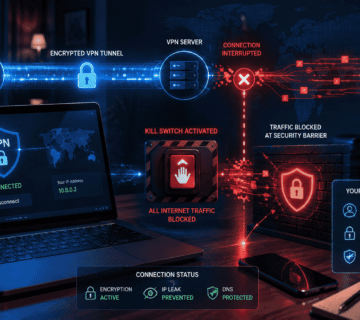
- Kill switch functionality
- Lockdown Mode
- Split Tunneling
Be especially cautious with completely free VPN services, as some may collect and monetize user data.
Examples of VPN Applications
- Examples of VPN Services:
- Mullvad VPN
- Proton VPN
- Nord VPN
- ExpressVPN
- Surfshark VPN
- IPVanish VPN
- Mozilla VPN
- Windscribe VPN
- Private Internet Access (PIA)
- CyberGhost VPN etc.
The above list is not presented in any particular order of importance or preference.
When Should You Use a VPN?
A VPN is particularly useful when:
- Using public Wi-Fi
- Accessing sensitive accounts while traveling
- Working remotely
- Reducing online tracking
- Protecting internet traffic on unfamiliar networks
For everyday home browsing, a VPN can still provide privacy benefits, but it should be viewed as one component of a broader security strategy.
Final Thoughts
A Virtual Private Network (VPN) is a valuable tool for improving online privacy and securing your internet connection, especially on public Wi-Fi networks. By encrypting your traffic and masking your IP address, a VPN can help reduce tracking and protect sensitive information from potential interception.
However, a VPN is not a magic solution. It works best when combined with strong passwords, Two-Factor Authentication, regular software updates, and careful browsing habits. Understanding both the strengths and limitations of a VPN will help you make informed decisions about protecting your digital life.
KEYNOTES
1. Is a VPN legal?
In many countries, yes. However, laws vary by jurisdiction, so you should always comply with local regulations.
2. Does a VPN hide my IP address?
Yes. Websites generally see the VPN server’s IP address instead of your real IP address.
3. Can a VPN protect me from hackers?
A VPN helps protect your internet traffic from interception, especially on public Wi-Fi, but it does not prevent all forms of hacking or malware attacks.
4. Will a VPN slow down my internet?
Possibly. Because your traffic is encrypted and routed through a VPN server, some reduction in speed is normal, although high-quality VPN services often minimize the impact.
5. Should I leave my VPN on all the time?
Many users do, especially when privacy is a priority. However, the best choice depends on your needs, network environment, and the performance of your VPN service.
Want to learn more? We’ve written detailed articles on many of the topics mentioned above. Click the highlighted links throughout this guide to explore them or search our blog for additional guides and helpful resources. Stay informed and keep learning!