What Is SSL?
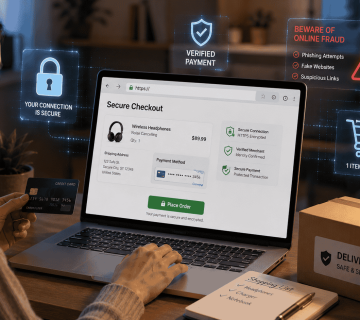
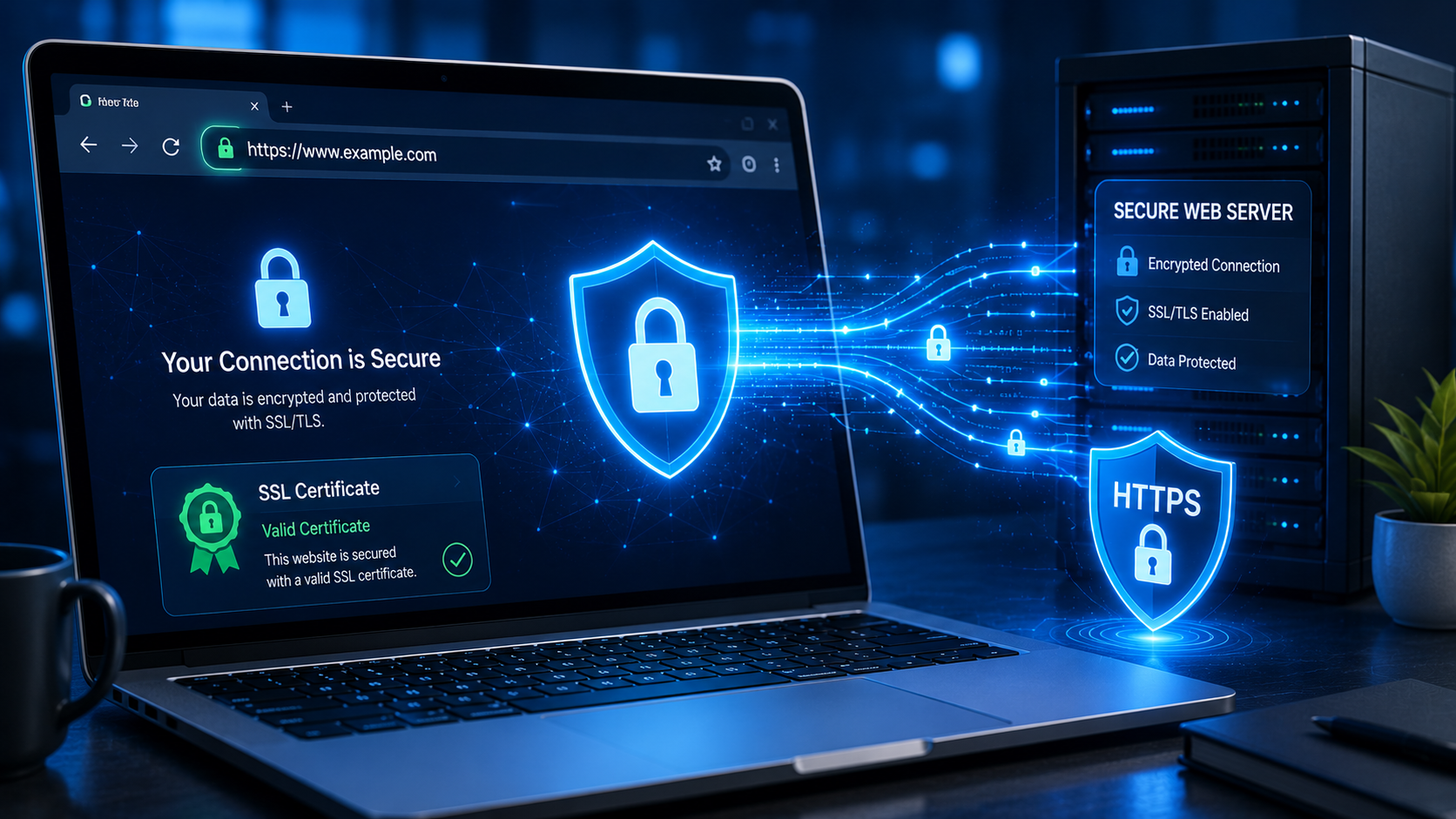
When you visit a secure website, you may notice a padlock icon in your browser’s address bar and the web address beginning with ‘https://’ instead of ‘http://‘. This security feature is made possible by SSL technology and its modern successor, TLS.
SSL, which stands for Secure Sockets Layer, is a security protocol designed to encrypt data transmitted between a user’s device and a website’s server. Although the original SSL protocol has largely been replaced by the more secure Transport Layer Security (TLS), the term “SSL” is still commonly used to refer to website encryption and security certificates.
Understanding SSL is important because it helps explain how websites protect sensitive information such as passwords, payment details, personal messages, and account data from being intercepted by attackers.
What Does SSL Do?
SSL performs three main functions:
The Three Core Functions of SSL
1. Encrypts Data
Information sent between your browser and the website is converted into unreadable code so that unauthorized parties cannot easily understand it.
2. Authenticates the Website
An SSL certificate helps confirm that the website you’re visiting is operated by the legitimate organization or owner.
3. Protects Data Integrity
SSL helps ensure that information is not altered while it is being transmitted between the user and the server. These protections are especially important for online banking, e-commerce stores, email services, and any website that handles user accounts.
How SSL Works
When you connect to a secure website, a process called the SSL/TLS handshake takes place.
In simplified terms:
- Your browser requests a secure connection.
- The website sends its SSL certificate.
- Your browser verifies that the certificate is valid.
- Both sides agree on encryption settings.
- An encrypted connection is established.
Once the handshake is complete, all data exchanged between your browser and the website is encrypted.
When a website uses HTTPS, it means the communication is protected by SSL/TLS encryption.
Why SSL Is Important
Protects Sensitive Information
Without SSL, data such as passwords and credit card numbers could potentially be intercepted on insecure networks.
Builds Trust
Users are more likely to trust a website that displays the padlock icon and uses HTTPS.
Helps SEO
Search engines generally favor secure HTTPS websites over unsecured HTTP sites.
Prevents Browser Warnings
Modern browsers often display “Not Secure” warnings on websites that do not use HTTPS.
Supports Online Transactions
E-commerce websites require secure encryption to process customer payments safely.
For most personal blogs and small websites, a DV certificate is usually sufficient.
How to Tell If a Website Uses SSL
Look for these signs:
- The address begins with https:// ‘s’ after the http is important.
- A padlock icon appears in the browser address bar.
- The browser does not display a security warning.
If you click the padlock icon, you can usually view details about the website’s certificate.
What Happens If a Website Does Not Use SSL?
Without SSL:
- Data may be transmitted in plain text.
- Attackers on the same network may be able to intercept information.
- Browsers may label the site as “Not Secure.”
- Users may lose confidence in the website.
- Search engine rankings may be affected.
For websites that collect passwords, contact forms, or payment information, operating without SSL is a significant security risk.
- SSL and Public Wi-Fi;
SSL becomes especially important on public Wi-Fi networks. If you connect to a website using HTTPS at a café, airport, or hotel, the encryption helps protect your data from others who may be connected to the same network.
While SSL does not eliminate all risks, it provides a critical layer of protection against eavesdropping.
Common SSL Errors
You may occasionally encounter warnings such as:
- Certificate expired
- Certificate not trusted
- Domain mismatch
- Connection not private
These warnings indicate a problem with the website’s certificate configuration. It is generally safest not to proceed if you encounter such warnings on a site that requests sensitive information.
SSL Best Practices for Website Owners
If you run a website:
- Install a valid SSL certificate.
- Redirect all traffic from HTTP to HTTPS.
- Renew certificates before they expire.
- Use modern TLS versions.
- Regularly test your SSL configuration.
These steps help protect visitors and improve the professionalism of your website.
Final Thoughts
SSL is one of the foundational technologies that makes the modern internet safer. By encrypting data, authenticating websites, and protecting information from interception, SSL helps secure everything from online shopping and banking to email and social media accounts.
For users, checking for HTTPS and the padlock icon is a simple but important habit. For website owners, installing and maintaining a valid SSL certificate is essential for security, trust, and search engine visibility. Understanding how SSL works allows you to make safer decisions online and recognize whether a website is taking basic steps to protect your information.
KEYNOTES
1. What does SSL stand for?
SSL stands for Secure Sockets Layer, a protocol originally designed to encrypt internet communications.
2. Is SSL the same as HTTPS?
Not exactly. SSL/TLS is the encryption technology, while HTTPS is the secure version of HTTP that uses SSL/TLS.
3. Can I trust any website with HTTPS?
HTTPS indicates that the connection is encrypted, but it does not guarantee that the website itself is legitimate. You should still verify the site’s reputation.
4. Why do browsers show a padlock icon?
The padlock indicates that the website is using a valid SSL/TLS certificate and that the connection is encrypted.
5. Do all websites need SSL?
Yes. Even simple websites benefit from HTTPS because it protects visitors, improves trust, and helps with search engine optimization.
Want to learn more? We’ve written detailed articles on many of the topics mentioned above. Click the highlighted links throughout this guide to explore them or search our blog for additional guides and helpful resources. Stay informed and keep learning!