How Do I Create a Strong Password?
In the modern digital landscape, passwords act as the primary barrier against cyber threats. When accessing email, social media, online banking, cloud storage, or shopping sites, a weak password can expose personal data to theft. Sadly, many individuals continue to use simple passwords such as “123456,” “password,” or their birth dates, which makes them easy prey for hackers.
A strong password is a simple but powerful tool for enhancing your online security. This guide will explain the characteristics of a strong password, its importance, and provide practical tips for creating passwords that are secure yet easy to remember.
What Makes a Password Strong?
A strong password combines several important characteristics:
- At least 16 characters long (or a minimum of 12 if required)
- A mix of uppercase and lowercase letters
- Numbers
- Special characters such as !, @, #, $, %, &, or *
- No personal information such as your name, birthday, phone number, or address
- Unique for every online account
The longer and more random your password is, the more difficult it becomes for attackers to crack.
Guides To Creating Strong Passwords
The best tips for creating strong and secure passwords are explained below, including how to create unique, hard-to-guess passwords that help protect your online accounts and personal information.
* Use a Passphrase Instead of a Single Word
Rather than trying to remember random characters, consider using a passphrase.
A passphrase combines multiple unrelated words into a longer password that’s easier for you to remember but much harder for attackers to guess.
For example:
Coffee!River7Moon2Bicycle1
This type of password is significantly stronger than simple choices like:
- Welcome123
- Password2026
- John12345
Random, unrelated words provide excellent protection while remaining memorable.
* Avoid Common Password Mistakes
Many people unknowingly weaken their passwords through predictable habits.
Avoid these common mistakes:
- Reusing the same password across multiple websites
- Using names of family members or pets
- Including birthdays or anniversaries
- Using keyboard patterns like “qwerty” or “asdfgh”
- Making only small changes to old passwords, such as Password1, Password2, Password3
Hackers often test these predictable patterns first.
* Use a Different Password for Every Account
One of the biggest security mistakes is password reuse.
Imagine using the same password for your email, Facebook, banking app, and online shopping accounts. If just one website experiences a data breach, attackers can try the same password on all your other accounts.
This technique, known as credential stuffing, succeeds surprisingly often because many users reuse passwords.
Each account should have its own unique password.
* Consider Using a Password Manager
Remembering dozens of complex passwords can be difficult.
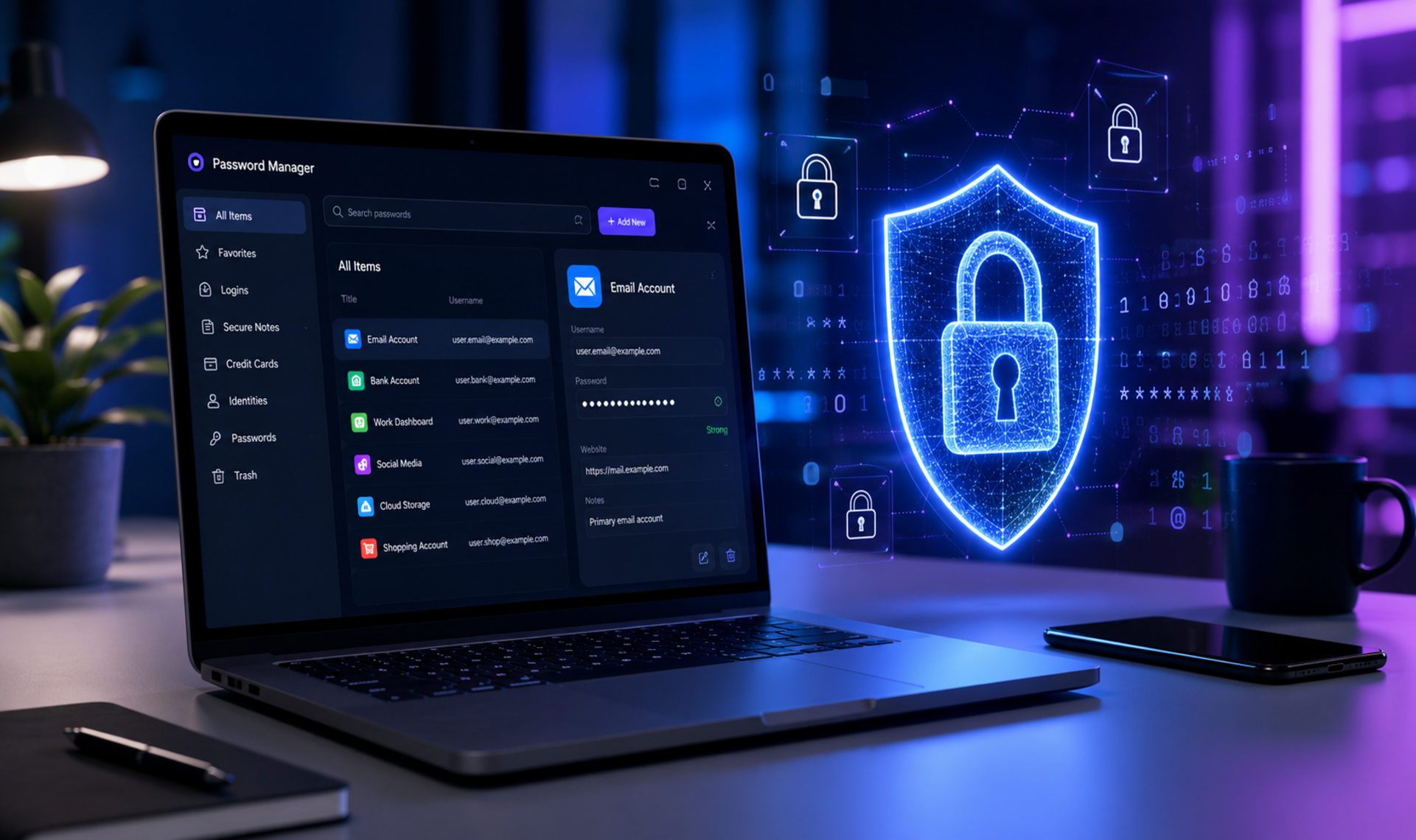
A password manager securely stores your passwords and generates long, random passwords for every website you use. You only need to remember one strong master password.
Benefits include:
- Automatically generating secure passwords
- Secure storage across devices
- Autofill for faster logins
- Alerts if passwords appear in known data breaches
- Easy organization of all your accounts
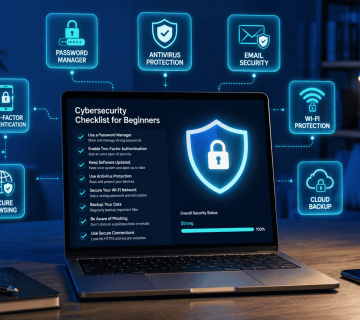
Password managers help eliminate the temptation to reuse weak or repeated passwords by securely storing and generating strong, unique passwords for each of your online accounts. Most modern web browsers and mobile browsers include a built-in password manager. To access your saved passwords across all your devices, you will typically need to enable account synchronization (sync) and sign in with the same browser account.
* Enable Two-Factor Authentication (2FA)
Even the strongest password can be stolen through phishing attacks or malware.
Adding two-factor authentication provides an extra layer of security by requiring a second verification step, such as:
Learn more about Two-Factor Authentication (2FA) by reading our blog – HERE.
KEYNOTES
- Use long passwords
Aim for at least 16 characters whenever possible. - Mix character types
Include uppercase and lowercase letters, numbers, and special characters. - Use passphrases
Combine several unrelated words to create passwords that are memorable and difficult to guess. - Avoid personal information
Do not use names, birthdays, phone numbers, addresses, or other easily available details. - Avoid common passwords
Stay away from passwords such as123456,password,qwerty, or predictable variations. - Never reuse passwords
Create a unique password for every online account. - Use a password manager
A password manager can generate, store, and manage strong passwords securely. - Enable two-factor authentication (2FA)
Add an extra layer of protection beyond your password. - Change compromised passwords
If a password has been exposed in a data breach, replace it immediately. - Stay informed
Continue learning about password security and other online safety practices.
Learn More Today! Explore our detailed articles on the topics covered in this guide. Click the highlighted links to dive deeper or visit our blog for additional guides, tips, and helpful resources. Stay informed and continue building your knowledge.
You can rely on www.askmyquestions.com for trusted guidance and assistance.