
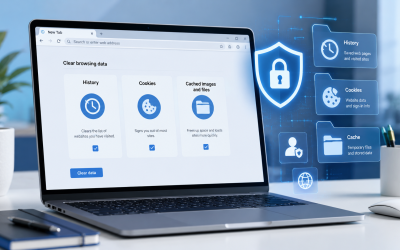
Understanding Browser History, Cookies, and Cache
inLife Style, quick answers, Tech Tips, TechnologyUnderstanding Browser History, Cookies, and Cache When you hear phrases like "clear your browser history," "delete your cookies," or "empty your cache," it’s natural to be curious about their meanings. Although these terms are frequently mentioned together, they each have distinct functions. Gaining insight into how browser history, cookies, and...Read More
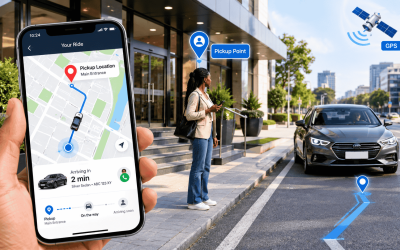
How to Pin and Identify Your Location Using Uber
inDaily Questions, Everyday Life, Everyday Questions, How To Guides, quick answers, Tech Tips, Technology, WorkWhat Does a Location Pin Mean? A location pin is a marker displayed on a digital map to identify a particular point. In Uber, the pickup pin represents the location where you want the driver to meet you. This is important because the address displayed on a map may not...Read More
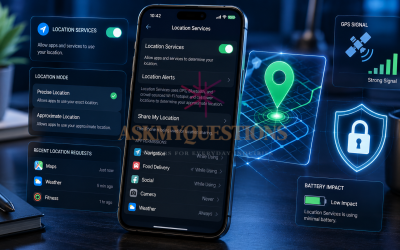
When to Use and Turn Off Location Services
inEveryday Questions, How To Guides, quick answers, Tech Tips, Technology, WorkWhat Are Location Services? Location services are a set of technologies that allow your device to determine and share its geographic position. Common sources of location data include: GPS: Provides precise outdoor location using satellites. Wi-Fi: Estimates location based on nearby wireless networks. Bluetooth: Helps determine proximity to nearby devices...Read More
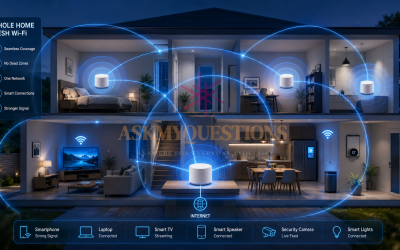
What Is a Mesh Wi-Fi System? A Complete Guide
inaskmyquestions blog, Daily Questions, Everyday Life, Everyday Questions, How To Guides, Life Style, quick answers, Tech Tips, Technology, WWW.ASKMYQUESTIONS.COMWhat Does "Mesh" Mean? A mesh is a structure in which multiple points, devices, or nodes are connected to one another. Think of a fishing net. Instead of having one long piece connecting everything, the net contains many connected sections. If one part is connected to another, information or structure...Read More
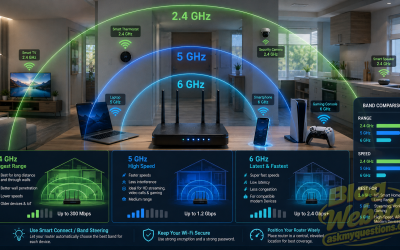
Understanding Wi-Fi Bands: 2.4 GHz, 5 GHz and 6 GHz
inaskmyquestions blog, Everyday Life, Everyday Questions, How To Guides, quick answers, Tech Tips, TechnologyUnderstanding Wi-Fi Bands: 2.4 GHz, 5 GHz and 6 GHz What Is a Wi-Fi Band? A Wi-Fi band is a range of radio frequencies used by wireless devices to communicate with a router or access point. Your Wi-Fi router sends and receives data using radio signals. Different Wi-Fi bands use...Read More
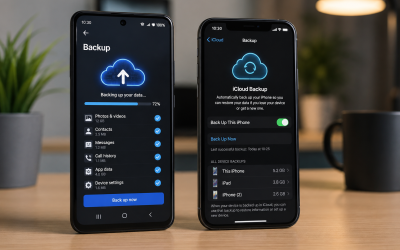
How to Back Up Your Android Phone and Protect Your Data on Android Phone
inLife Style, quick answers, Tech Tips, TechnologyHow Do I Back Up My Phone? Smartphones have become an essential part of everyday life. They store our photos, videos, contacts, messages, documents, passwords, and countless other pieces of personal information. Without a recent backup, losing your phone could mean losing years of valuable memories and important data. Fortunately,...Read More




Recent Posts

How to Add Your Business to Google Maps
12 September 2026

How to Run Facebook Ads: A Beginner’s Guide
12 September 2026

What Is VPN Split Tunneling? A Beginner’s Guide
12 September 2026